For those that don’t know, Pterodactyl is a free, open-source game server management panel built with PHP, React, and Go. It provides a user-friendly web interface to create and manage game servers and other applications, while running each dedicated server instance in its own Docker container for security and isolation. It uses pre-built container images called “eggs” that bundle all the necessary files and dependencies for the target application or server to run.
While the official website has excellent documentation, it can still be a little time-consuming and fiddly to set up manually — and it’s easy to make a small mistake and spend extra time finding and fixing what you did wrong. That’s why I decided that making this Ansible playbook would be the perfect reproducible, idempotent solution.
Prerequisites
To use the playbook, you’ll need the following:
- A fresh Debian 12+ VPS with around 2 GB RAM and 20 GB of storage
- Ansible installed on your local machine running Linux, macOS, or Windows with WSL (Windows Subsystem for Linux)
- An SSH key configured for the target VPS
- A domain or subdomain with an “A” record pointing to the VPS IP address — if you don’t have an available domain, you can get a free D-DNS hostname from noip.at
Getting Started
To begin, visit the GitHub repository and see for yourself, then open the terminal and paste the following commands:
git clone https://github.com/cirrus365/Pterodactyl_playbook.git
cd Pterodactyl_playbook
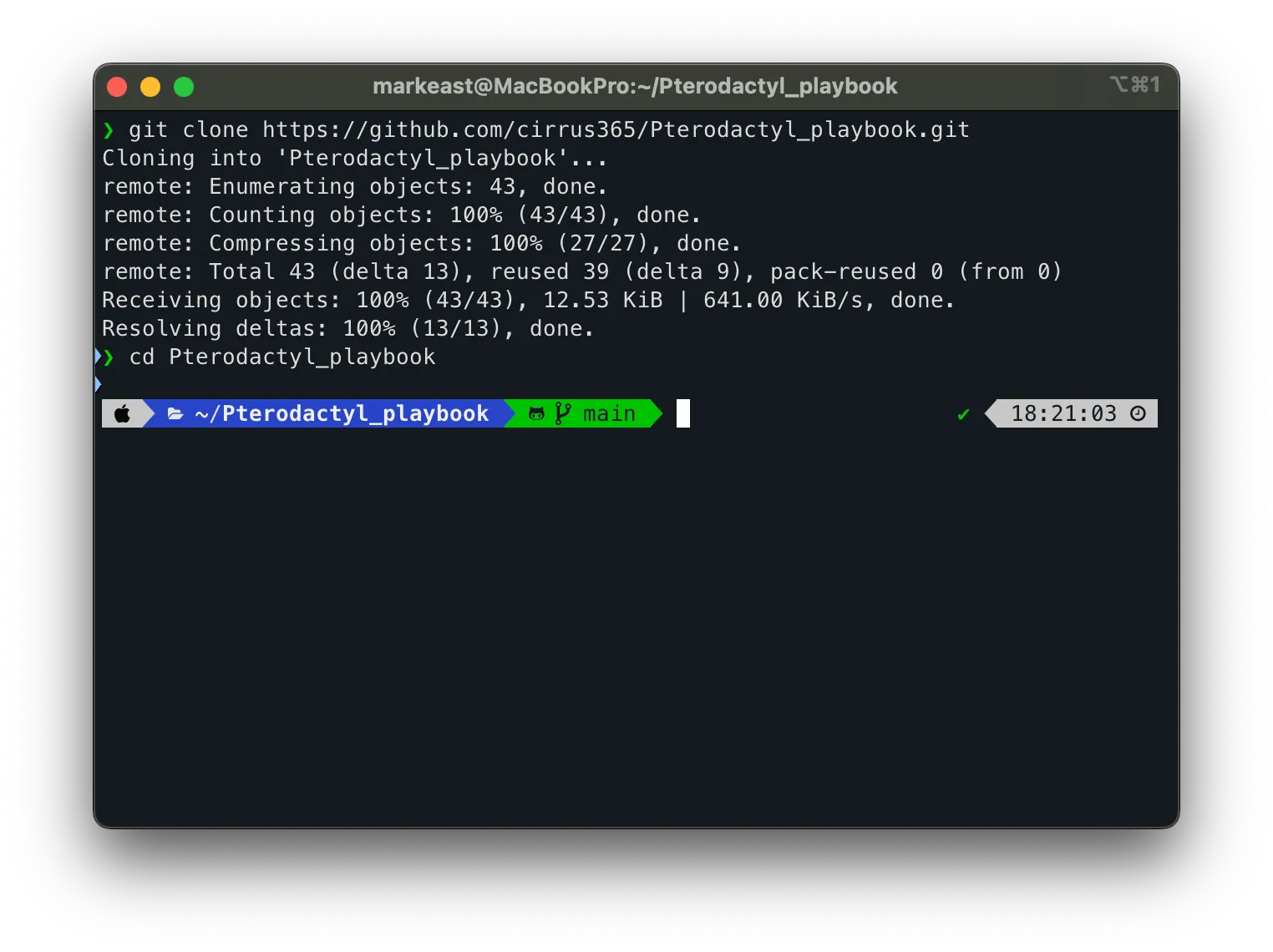
Cloning the repository and entering the project directory in the terminal.
Next Steps
To get your panel up and running, follow the detailed instructions in the included README.md.
Alternatively, if you prefer a video walkthrough, here is the link to the YouTube tutorial.
What are your thoughts on this post?
I'd love to hear from you! Feel free to use the share buttons below if you enjoyed this post.